
gellibn
Company Admin

Run a clean, organised workplace

Manage teams, sites, documents, permissions and reporting lines from one trusted source of truth that the rest of gellibn stays in sync with.

  • Cancel or change anytime
  • Setup support included

Download the app

Trusted by leading brands

how gellibn helps you run an organised workplace

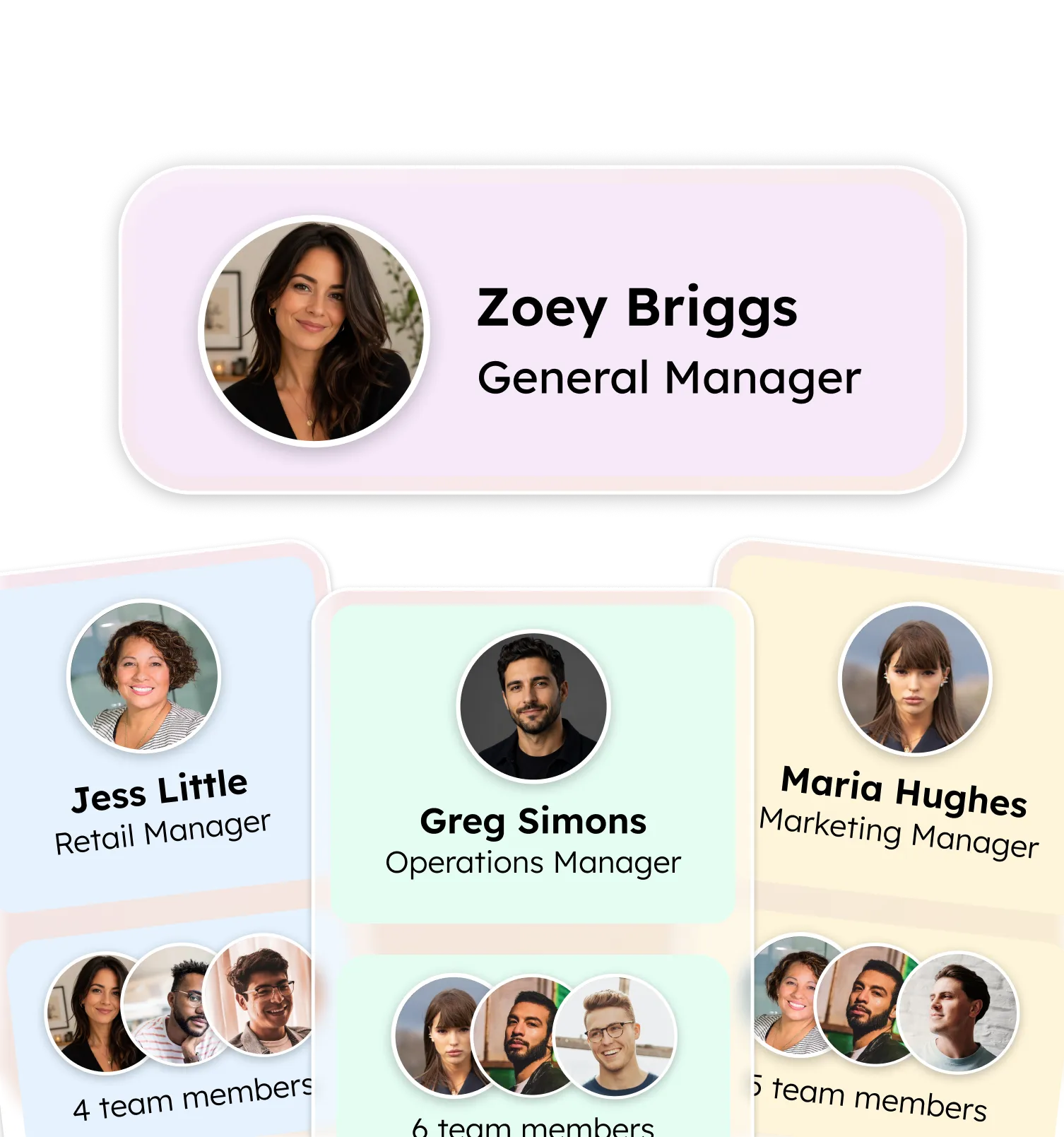
Team Org

Model sites, departments and reporting lines once. The rest of gellibn stays in sync automatically.
what you get

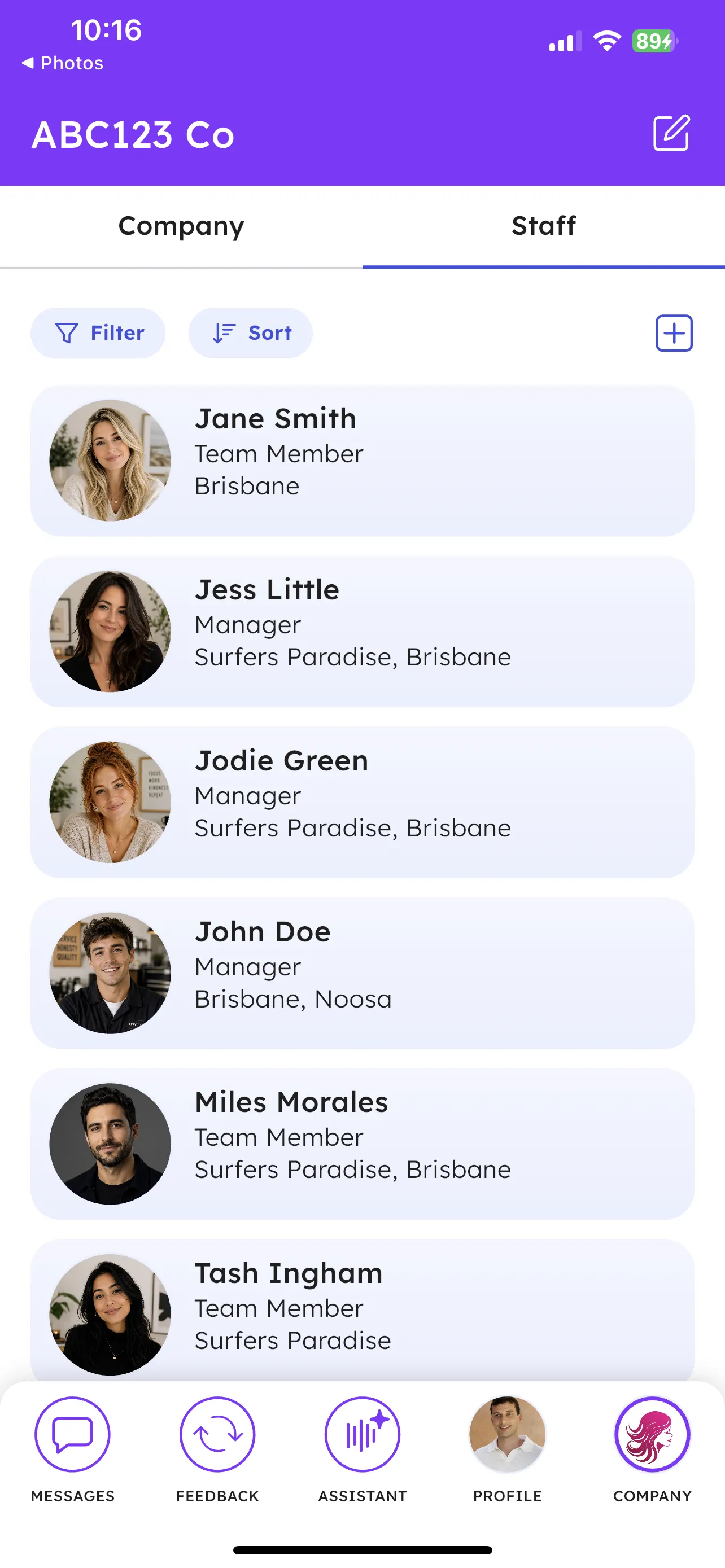
Everything you need to manage your organisation in one place. From multi-site teams to policy documents, configure your workplace exactly how you need it.

  • Multi-site and location management
  • Team and department organisation
  • Skills and competency tracking
  • Policy document management
  • Bulk staff import via CSV or Excel
  • Role-based access control

how teams use it

Company Admin keeps gellibn grounded in how your organisation actually works, from one site to many.

  1. Model sites, departments, teams and reporting lines in one place.

  2. Import staff in bulk and keep skills, roles and permissions current.

  3. Centralise documents, policies and access rules so the rest of the product stays accurate.

Team management is a game-changer for a multi-site salon. I see who's covering what across all four locations – no phone calls needed.

Priya Sharma

Salon Owner at Halo Hair Studios

FAQs

How does the org structure stay in sync with the rest of gellibn?
Sites, departments, teams and reporting lines defined in Company Admin power messaging channels, feedback visibility, document access and assistant answers automatically. You configure your structure once and the rest of the product respects it without manual duplication.
Can I import existing staff data?
Yes. You can bulk-import staff from CSV with roles, sites and reporting lines, and keep things up to date through ongoing imports or direct edits. Skills, certifications and permissions can be added without re-importing the whole list.
How are permissions managed at scale?
Permissions are role-based and inherit from the org structure, so a regional manager automatically gets the right access across their sites. You can override at a team or individual level when needed, and changes propagate immediately across messaging, feedback and the assistant.
What happens when a staff member leaves?
Deactivating a staff member revokes their access across the workspace in one step, while preserving their feedback history and message context for compliance and continuity. There is no need to chase access in multiple systems.

Can't find what you're looking for?

Get in touch

Stay in the loop

Subscribe to our newsletter for product updates, playbooks, and tips on building a team that runs itself.

No spam · Unsubscribe anytime